
• Home
  • Latest News
  • Cryptocurrency and NFT
  • Virtual Worlds
  • Learning Zone
  • Videos
    • News
    • Learn
  • FAQ
  • Directory
Friday, March 20, 2026
Metaverse News Outlet
  • Home
  • Latest News
  • Cryptocurrency and NFT
  • Virtual Worlds
  • Learning Zone
  • Videos
    • News
    • Learn
  • FAQ
  • Directory
No Result
View All Result
  • Home
  • Latest News
  • Cryptocurrency and NFT
  • Virtual Worlds
  • Learning Zone
  • Videos
    • News
    • Learn
  • FAQ
  • Directory
No Result
View All Result
Metaverse News Outlet
No Result
View All Result
Home Learning Zone

How to Unlink Your Quest Headset From Facebook

2022-08-24
in Learning Zone
0
How to Unlink Your Quest Headset From Facebook
189
SHARES
1.5k
VIEWS
Share on FacebookShare on Twitter

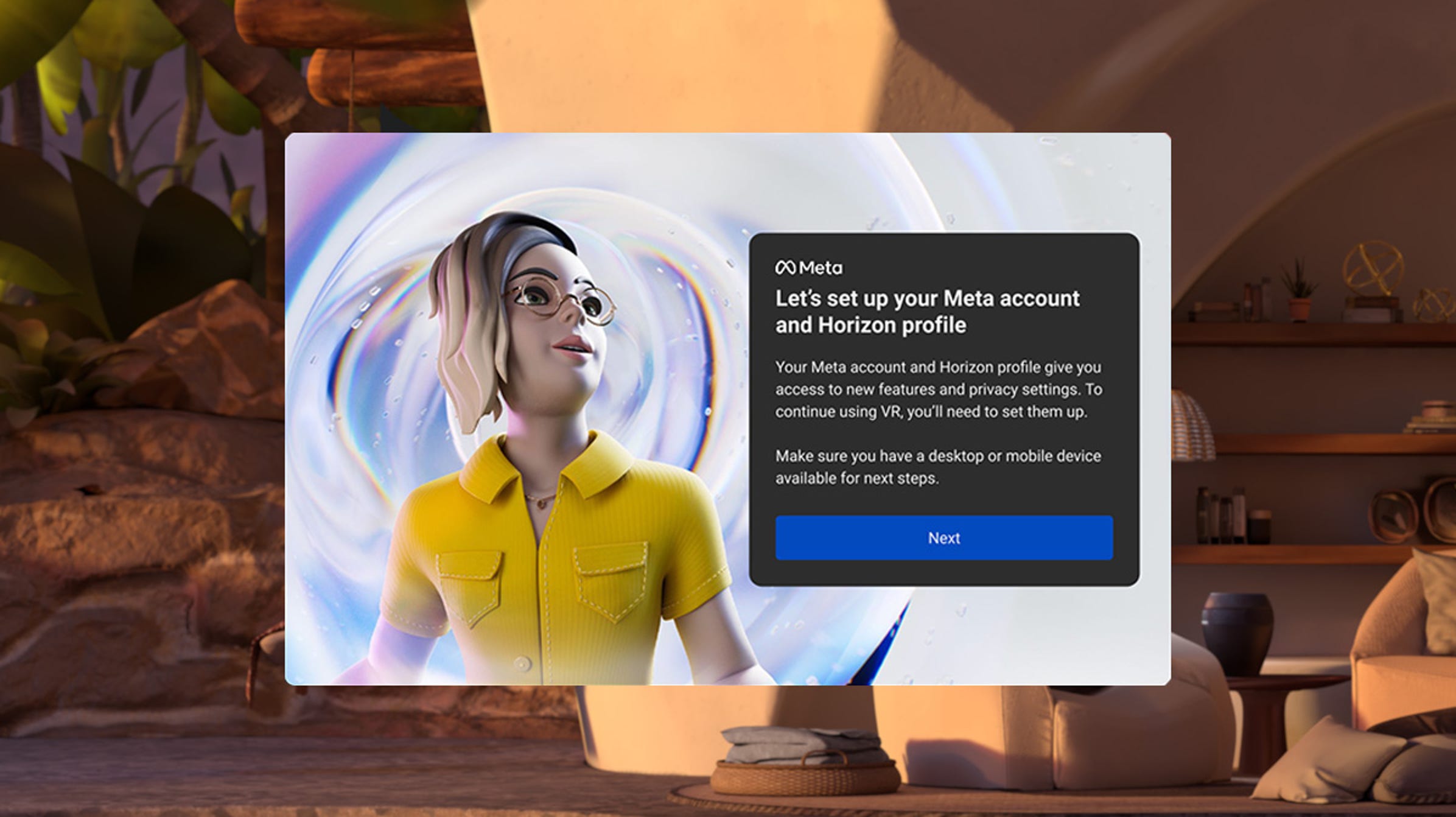
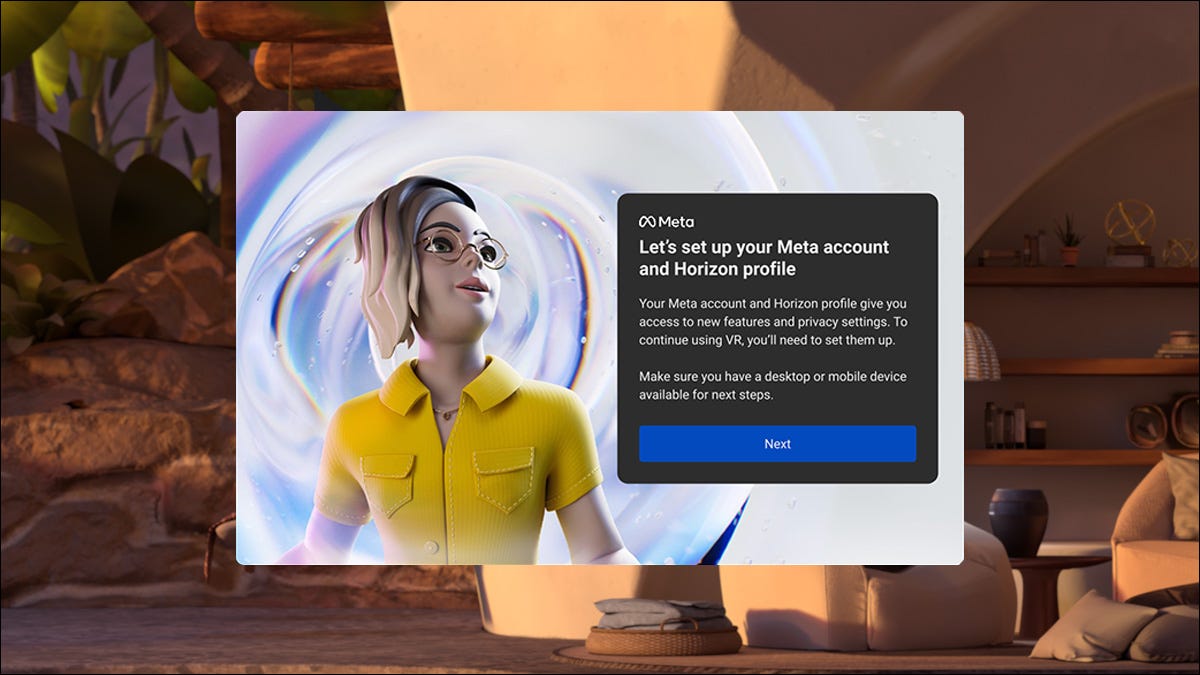
an image showing the prompt to start the process of setting up a Meta account.

Good news: Quest VR headsets don’t need Facebook accounts anymore! If you’re buying a new Meta Quest (formerly Oculus Quest) VR headset, you don’t need a Facebook account to set it up. If you’re already using a Facebook account with your headset, you can unlink the two. Here’s how.

What Do I Need to Know?

If you already own the Quest hardware, there’s a good chance you’re roughly current on what’s going on with the platform. If you haven’t used your account in some time or you’re new to it all, here’s a quick summary.


Oculus Quest 2

Take gaming to the next level with virtual reality at home or on the go for a great price.

In 2014, Facebook purchased Oculus, a virtual reality company. In 2018, Oculus actually became a division of Facebook proper. In 2020, despite previous promises to the contrary, Facebook announced that a Facebook login would be required to use the Oculus web portal and hardware.

By the end of the year, they had phased out the ability to create a new Oculus account, requiring new users to set up their VR hardware with a Facebook account instead—lots of folks made throwaway accounts for the Quest hardware, even though doing so was risky and could lead to account bans and purchase losses.

A Meta Quest 2 VR headset and controllers on a living room table.
nikkimeel/Shutterstock.com

In late 2021, Facebook rebranded itself as Meta to, ostensibly, become a “metaverse company,” and of course, all the company’s VR hardware was rebranded to match.

So a lot of the headset owners started off their adventure with an oculus.com account, linked to their Oculus Quest or Oculus Quest 2 headsets, and were pushed to migrate. Some bought in after the change and had to use a Facebook account from the start.

Now it’s gone full circle, and however you found yourself in the Meta/Facebook-owned VR ecosystem, you can—as of August 2022—unlink your Facebook account from the entire thing and use a separate (and social-media free) Meta account all by itself. Here’s how.

How to Unlink Your Quest from Facebook

There are a few hoops you have to jump through to switch over from logging into your Quest hardware with Facebook to logging in with a Meta account. Fortunately, the experience is pretty straightforward.

Before we proceed, you’ll have a much faster go of things if you have your Facebook login handy and your Quest hardware charged and updated to the newest firmware.

Unlink Facebook and Create a Meta Account

First things first, you need to visit this meta.com web-based setup page.  Login with your Facebook account. (You can also use this workflow to migrate from an Oculus account directly to a Meta account, though that isn’t our primary focus.)

Meta's login page.

You will be directed to Facebook and prompted to accept Meta accessing your Facebook account. Click “Continue as [Your Name]”

Next, you’ll be prompted to set up a new Meta account by migrating it away from your Facebook account. The email address associated with your account will be displayed here. Click “Next” to confirm.

Meta account setup.

If you haven’t used (or updated) your Oculus devices in a bit, you may be prompted at this point to update your headsets. If your headset is up to date or you’ve just updated it, click continue.

You’ll be prompted to continue the setup of your Meta account by either continuing with or without Facebook. Naturally, they would prefer you set up your Meta account linked to Facebook, but the point of this exercise is to remove the link between your Meta account and your Facebook account—so click “Continue without Facebook.”

You’ll be prompted to create a new password for your Meta account, as you will no longer be using your Facebook account to authorize access to your Meta account or purchases. A 6-digit security code will be sent to the email address displayed to you earlier.

After entering your new password you’ll be prompted to review your account data, including your name, email address, and date of birth. Do so and click “Finish account setup.”

Once you’ve confirmed the account settings, you’ll be prompted to set up your Horizon profile. You’ll retain your old username—this name is strictly for the Horizon profile.

Select your account's social privacy settings.

Next, you’ll be prompted to set your privacy settings for Horizon. You can select between “Open to everyone,” “Friends and family,” and “Solo.” Click “Review” to review your privacy settings and then “Accept and continue” if they are set to your liking.

You can review and change these settings at any time in the future, so there’s little harm in opting for “Solo.” Click “Finish,” and you’re done.

Link Your Headset to Your Meta Account

After you’ve completed the migration using your web browser of choice, there’s one final step. You need to grab your Quest headset and pop it on. In place of the usual virtual lobby you see, you’ll instead see a prompt like the one seen below.

The code shown on your Quest VR headset.

Visit the page on the prompt and enter the code you see to link the hardware with your Meta account.

Your Quest headset will reboot, and in a few moments, you’ll be back in the headset’s virtual lobby with everything up to date and a shiny new Meta profile in place of your previous one.

And that’s all there is to it—no more Facebook integration. There’s nothing left to do but enjoy your headset and, maybe, slap a few upgrades on it.



Source link

Tags: FacebookheadsetQuestUnlink
Share76Tweet47
Previous Post

Beijing announces two-year Metaverse innovation and development plan

Next Post

Spatial digital art exhibitions to level up metaverse experiences

Related Posts

Why I’m hesitant to trust Matter-certified smart home gadgets

Why I’m hesitant to trust Matter-certified smart home gadgets

2026-02-03
0

Matter was meant to unite smart home ecosystems, but instead, it has made the landscape more confusing. Rather than simplifying...

5 ways to give it a second life

5 ways to give it a second life

2026-01-21
0

Your Apple TV is likely the last device you upgrade regularly. In recent years, updates have primarily focused on faster...

ASUS and Lenovo won’t build Meta Quest-like VR headsets after all

ASUS and Lenovo won’t build Meta Quest-like VR headsets after all

2025-12-17
0

Meta previously announced plans to develop VR and XR headsets with ASUS and Lenovo, using the same software as Meta's...

Why Samsung needs to copy Apple’s most gimmicky feature

Why Samsung needs to copy Apple’s most gimmicky feature

2025-12-07
0

There are some features that are easy to immediately dismiss as gimmicks. Then, over time, they start to make sense....

Don’t buy the Steam Machine, here’s how to build a better one

Don’t buy the Steam Machine, here’s how to build a better one

2025-11-14
0

The Steam Machine has just been announced, and PC gamers are already going crazy over it. If you can’t wait...

Load More

Leave a Reply Cancel reply

Your email address will not be published. Required fields are marked *

  • Trending
  • Comments
  • Latest
Top 5 Biggest Metaverse Crypto Projects for 2022

Top 5 Biggest Metaverse Crypto Projects for 2022

2022-01-16
Why Are Photographic Avatars Vital for Work in the Metaverse?

Why Are Photographic Avatars Vital for Work in the Metaverse?

2022-01-02
YouTube’s Primetime Channels bring streaming movies and TV into the YouTube app

YouTube’s Primetime Channels bring streaming movies and TV into the YouTube app

2022-11-01

Gateway to the Metaverse | Monthly Memos from Hrish Lotlikar

2022-01-04
Someone paid 450k to be Snoop Dogg’s virtual neighbour

Someone paid 450k to be Snoop Dogg’s virtual neighbour

0
Metaverse Land On Solana Is Also Gaining Value Rapidly

Metaverse Land On Solana Is Also Gaining Value Rapidly

0
Snoop Dogg Sandbox Sale Goes Live Today!

Snoop Dogg Sandbox Sale Goes Live Today!

0
Metaverse Land Sales Are Flying

Metaverse Land Sales Are Flying

0
Take-Two Interactive Software Inc. (TTWO) Builds Momentum in Gaming and the Metaverse

Take-Two Interactive Software Inc. (TTWO) Builds Momentum in Gaming and the Metaverse

2026-03-19
‘Uncanny Valley’: Nvidia’s ‘Super Bowl of AI,’ Tesla Disappoints, and Meta’s VR Metaverse ‘Shutdown’

‘Uncanny Valley’: Nvidia’s ‘Super Bowl of AI,’ Tesla Disappoints, and Meta’s VR Metaverse ‘Shutdown’

2026-03-19
Meta backtracks on decision to end Horizon Worlds VR fans speak up

Meta backtracks on decision to end Horizon Worlds VR fans speak up

2026-03-19
Meta’s Pivot From VR Is Happening. Too Bad Glasses Aren’t Ready for This Moment

Meta’s Metaverse App for VR Is Staying Open, Barely

2026-03-19

Metaverse News Outlet

Our mission is to bring you the latest metaverse news and help you learn about the metaverse. It doesn't matter if you're a metaverse beginner or a metaverse noob, we've got you covered. Be sure to check out our Learning Zone to find out how you can join the metaverse if you want to get involved.

Categories

  • Cryptocurrency and NFT
  • Latest News
  • Learning Zone
  • Virtual Worlds

Recent Posts

  • Take-Two Interactive Software Inc. (TTWO) Builds Momentum in Gaming and the Metaverse
  • ‘Uncanny Valley’: Nvidia’s ‘Super Bowl of AI,’ Tesla Disappoints, and Meta’s VR Metaverse ‘Shutdown’
  • Meta backtracks on decision to end Horizon Worlds VR fans speak up

No Result
View All Result
  • Home
  • Latest News
  • Cryptocurrency and NFT
  • Virtual Worlds
  • Learning Zone
  • Videos
    • News
    • Learn
  • FAQ
  • Directory

© 2018 Metaverse News Outlet.